English
 Spanish
 French
 Arabic
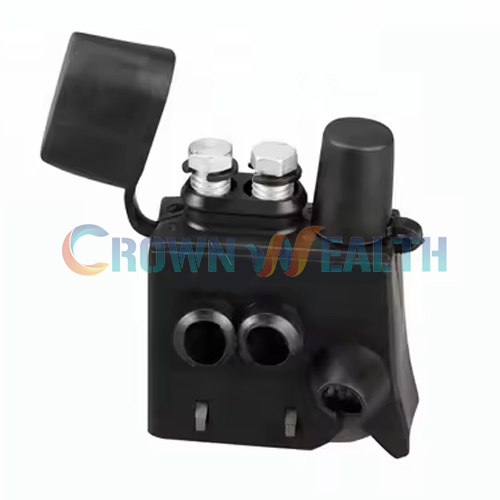
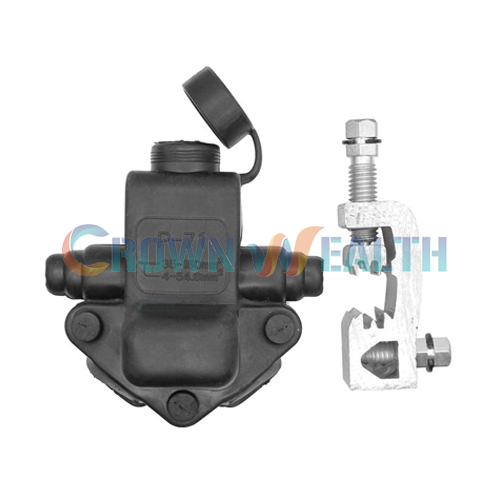
Aerial drop hardware includes the clamps and fittings you use to attach and support subscriber drop cables on an overhead network. To choose the right parts, start with the cable specification and the role of each attachment point. Then check the span, load, environment, and maintenance access.
For overseas distributors and project buyers, a clear hardware list helps prevent mismatched deliveries and site delays. These seven checks explain how to select aerial drop hardware for FTTH and overhead telecommunications systems.
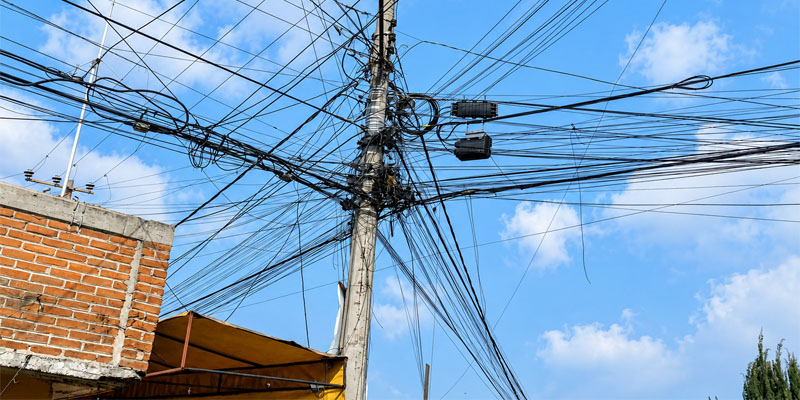
1. Match Aerial Drop Hardware to the Cable and Connection
First, identify the cable construction. A flat FTTH drop cable, a round self-supporting cable, and a cable carried by a separate steel messenger do not use the same gripping arrangement.
Record the cable dimensions, jacket material, support design, and the manufacturer’s mechanical limits. Next, identify whether each point needs anchoring, intermediate support, or a branch attachment.
| Hardware | Typical role | Check before ordering |
|---|---|---|
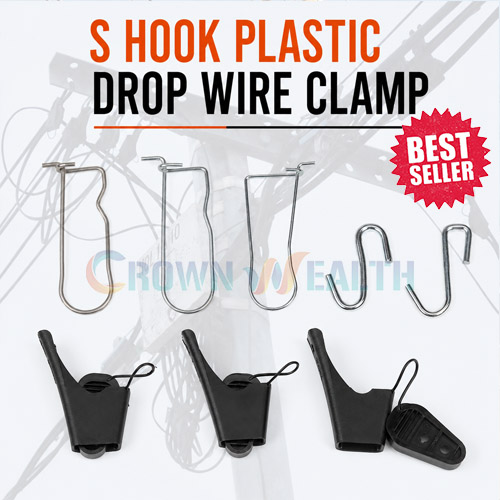
| Drop wire clamp | Retains a compatible subscriber drop cable | Cable shape, size range, jacket compatibility, and holding performance |
| Anchor clamp | Terminates the specified cable or support member at an anchor point | Cable construction, rated performance, and attachment geometry |
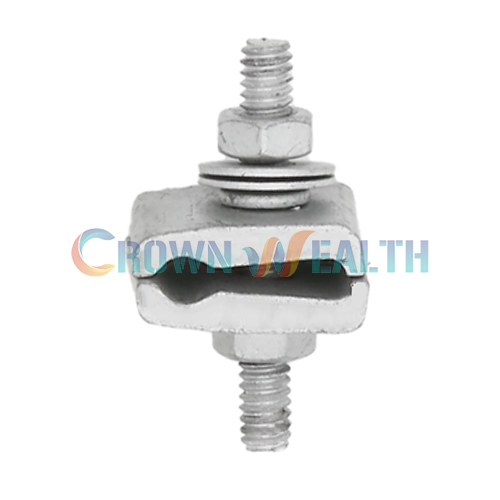
| Span clamp | Provides an attachment point on a compatible messenger strand | Messenger diameter, clamp design, and load direction |
| Suspension clamp | Supports the specified cable or messenger at an intermediate point | Supported member, load rating, and permitted line angle |
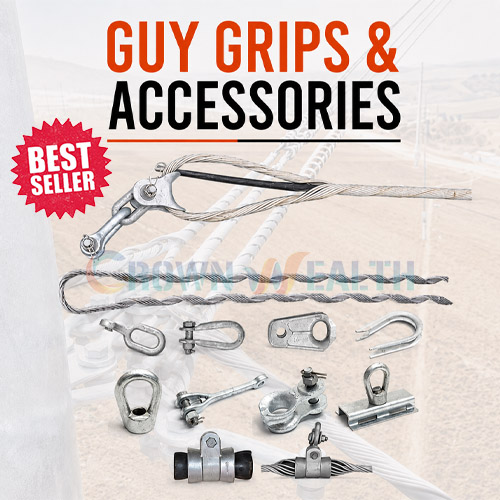
| Guy grip | Terminates matching guy strand or cable, depending on the model | Exact strand or cable type, size, and approved assembly |
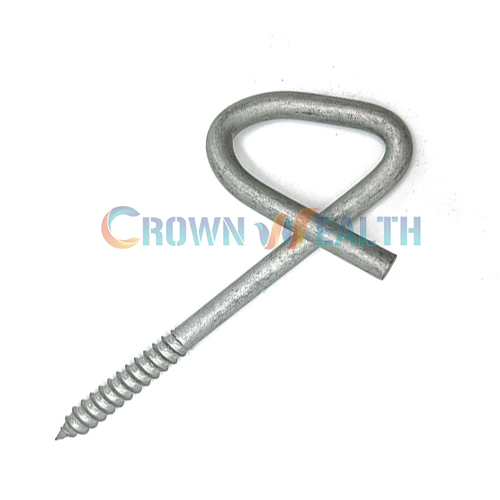
Review the matching pole line hardware as well. A suitable cable clamp still needs a compatible hook, bracket, bolt, or other attachment.
For ADSS or OPGW projects, use the specified fiber optic cable accessories. Do not treat a small drop clamp as a substitute for a cable-specific support assembly.
2. Choose Materials for Your Site Conditions
Tell your aerial drop hardware supplier where the fittings will operate. “Outdoor use” alone does not describe the effects of sunlight, temperature, salt, pollution, or wind.
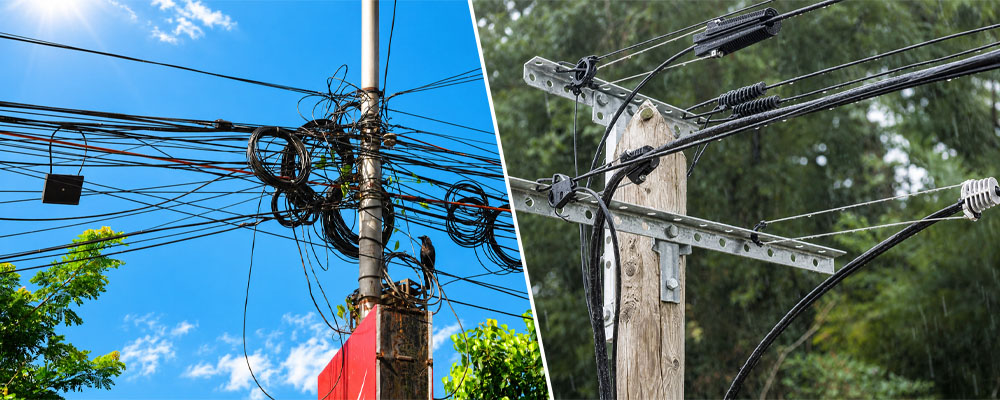
- Strong sunlight: Specify UV resistance for polymer parts and request the relevant material or test information.
- Coastal or industrial areas: Confirm the steel grade or coating specification and compatibility with adjoining metals.
- Cold climates: Check both installation and service temperature limits, especially for plastic components.
- Wind and ice exposure: Give the designer the local load conditions and confirm the approved hardware selection.
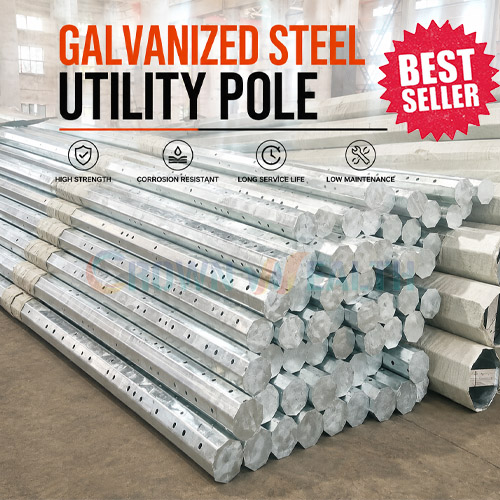
Hot-dip galvanized steel and suitable stainless steel grades can offer corrosion protection, but they are not interchangeable in every environment. Agree on the exact material and inspection requirements before you place a bulk order.
3. Check Drop Wire Clamp Fit Before Site Installation
A drop wire clamp must grip the intended cable or support member without unacceptable damage. A clamp that closes around the cable is not necessarily a suitable match.
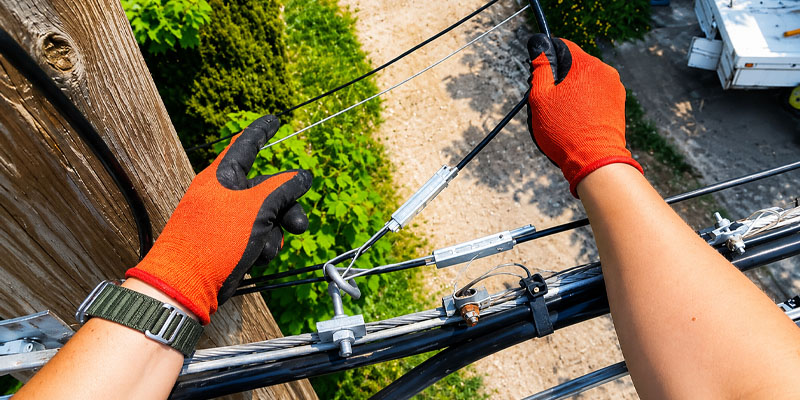
Before ordering FTTH drop cable hardware in volume, review the model with the actual cable specification. Where practical, approve a sample using the agreed fit and retention checks.
- Match flat cable width and thickness, or round cable diameter, to the stated range.
- Check which part of the cable the clamp is designed to grip.
- Confirm that the bail or attachment fits your hook or bracket.
- Follow the model’s installation method and any reuse restrictions.
Keep approved model numbers on your bill of materials. This helps your installers and distributors identify replacements without relying on photos alone.
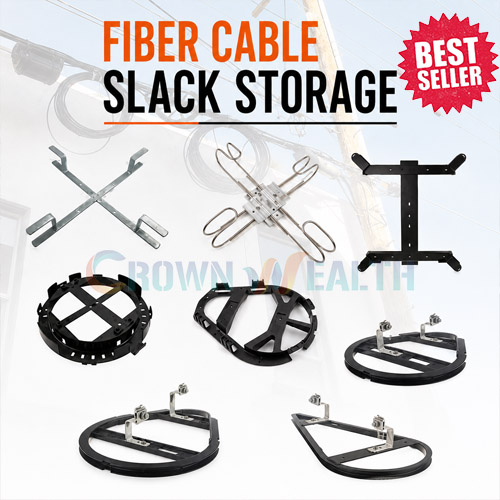
4. Plan Fiber Optic Cable Slack Storage
You need spare cable for future splicing, repairs, or relocation. Plan where it will sit before installation, rather than leaving loose loops near the closure.
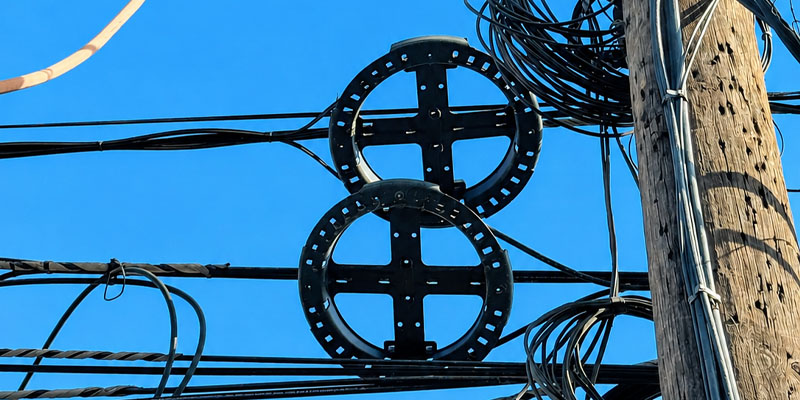
Choose fiber optic cable slack storage that suits the cable, planned reserve length, and mounting point. Check that the complete cable path respects the manufacturer’s minimum bend radius.
Installation and long-term bend limits may differ. Therefore, check both the routing into the holder and the finished loop. Avoid tight ties, sharp contact points, and pressure on the cable jacket.
Keep the closure and reserve cable accessible for service. Label the route and record the storage location so your maintenance team can find it later.
5. Make Inspection and Maintenance Part of the Plan
Set inspection intervals according to your network conditions and operator requirements. Include checks after storms or other events where the maintenance plan calls for them.
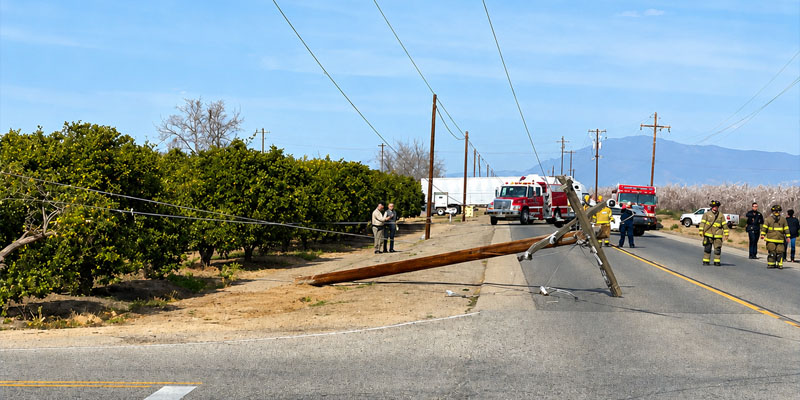
During an inspection, look for changes from the approved installation:
- Loose or displaced fittings
- Corrosion, damaged coatings, or cracked polymer parts
- Cable jacket wear at clamps and contact points
- Unexpected changes in sag or pole alignment
- Loose slack loops or blocked access to closures
- Vegetation or other objects contacting the cable route
Record the location, model, and fault before arranging repairs. A repeated failure may point to an unsuitable cable-hardware combination or site load, not just a defective individual fitting.
6. Follow the Designed Sag and Tension
Aerial fiber cable installation needs the specified sag and tension. Pulling a cable as tight as possible can overload it or its fittings. Excessive sag can also create clearance and contact problems.
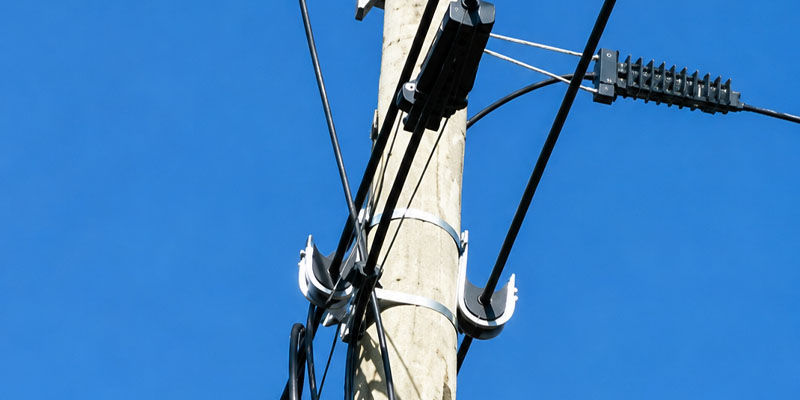
Use the cable manufacturer’s data and the approved line design for span length, installation temperature, pulling tension, and final sag. There is no single safe span length or tension value for all overhead telecommunications systems.
Choose anchor clamps, suspension clamps, and guy grips for their stated functions. Also verify the strength and condition of the supporting structures and attachments.
Your qualified installation crew should follow the pole owner’s access and clearance rules. Before handover, check the mechanical installation and complete the fiber tests required by the project. Good optical test results do not replace a check of the fittings.
7. Approve a Clear Specification with Your Manufacturer
A useful quotation should let you compare the same product and test requirements across suppliers. A low unit price means little if the cable range, finish, or included parts differ.
When you contact an aerial drop hardware manufacturer, include:
- Cable data sheet and intended connection type
- Required model, drawing, and dimensions
- Span and load information from the approved design
- Material, finish, and environmental requirements
- Required tests, inspection records, and acceptance criteria
- Order quantity, spare parts, marking, and packing needs
- Delivery destination and required delivery schedule
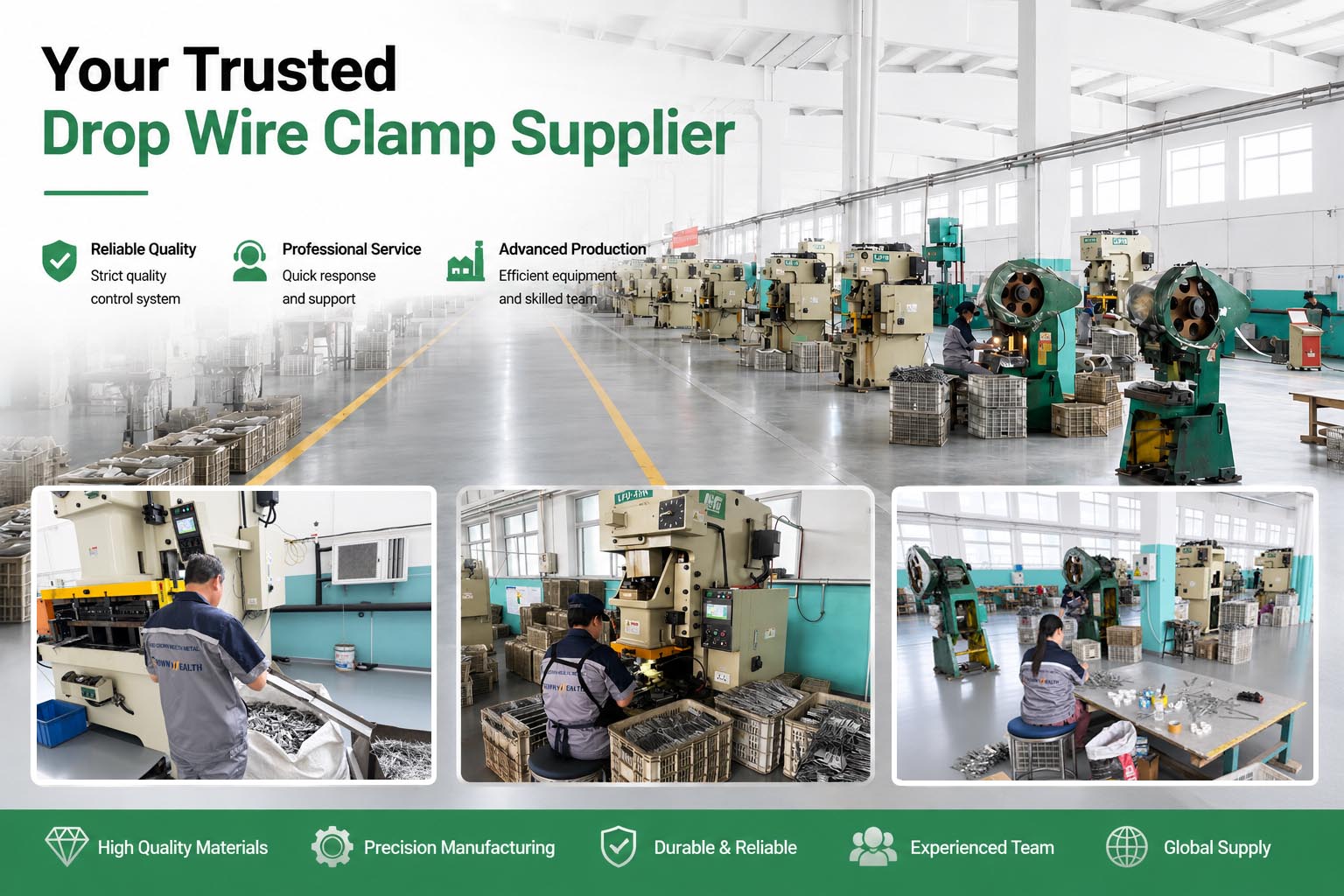
Approve drawings and samples before production where your purchasing process requires them. For distributor orders, use clear labels and packing lists to separate similar models.

Aerial Drop Hardware Supply from Hbcrownwealth
Hbcrownwealth is a Chinese manufacturer, supplier, and wholesaler of overhead power and telecommunications hardware. We serve overseas distributors, importers, contractors, and project buyers.
You can discuss drop wire clamps, anchoring clamps, span clamps, suspension fittings, and slack storage hardware for your purchasing list. Our capabilities include metal forming, plastic injection molding, and surface treatment, with OEM and ODM support based on drawings or samples.
Send your cable details, required fittings, quantities, and inspection needs with your enquiry. We can review the supply requirements and help you prepare a consistent hardware order for your market or project.
Frequently Asked Questions
What Is Aerial Drop Hardware?
Aerial drop hardware is the group of clamps and fittings used to attach and support subscriber drop cables in overhead networks. The required parts depend on the cable construction and the connection point.
Can One Drop Wire Clamp Fit Every FTTH Cable?
No. Check the cable shape, dimensions, jacket, and support design against the clamp’s stated range. Use a model approved for your cable rather than choosing only by appearance.
What Is the Difference Between an Anchor Clamp and a Suspension Clamp?
An anchor clamp terminates the specified cable or support member at an anchor point. A suspension clamp supports it at an intermediate point. Confirm the exact model’s permitted load and line angle.
How Much Spare Fiber Cable Should You Store?
Use the reserve length required by the network design and maintenance plan. Then select a holder and mounting position that keep the cable within its bend limits and allow access to the closure.
Does Better Hardware Remove the Need for Maintenance?
No. You still need inspections suited to the environment and operator requirements. Check cable contact points, fasteners, corrosion, and changes in sag, especially after relevant site events.
What Should You Provide for a Wholesale Quote?
Send the cable data sheet, product model or drawing, quantities, material and finish requirements, test needs, and delivery destination. These details help your supplier quote the correct fittings.